


Dogtra Pathfinder 2 / Compass Additional GPS Collar
Compatible with the Pathfinder 2 Compass, Pathfinder 2, Pathfinder 2 MINI Compass, and Pathfinder 2 MINI. Not compatible with original Pathfinder, Pathfinder SE, Pathfinder MINI, or Pathfinder TRX systems.
Dogtra Pathfinder 2 Additional Collar Features:Remote activated LED tracking lights for extra visibility in low light
Fully waterproof
Use to expand your system up to 21 dogs
Low-to-high power stimulation
100 levels of stimulation
Rapid charge, user-replaceable Lithium Polymer battery
Secure contact point covers for competition use
Dimensions: 3 1/2" x 1 3/4" x 1 1/2"
Collar strap dimensions: 1" x 30"
Two-year warranty. See more Dogtra warranty information here.
Dogtra Pathfinder 2 Additional Collar Comes With:
Waterproof Pathfinder 2 remote receiver
1" wide collar strap (choose from 10 colors) that fits a 13-23" neck
Not available to Canadian addresses. This product is approved for use in the US only.
1. Start with the collar turned off.
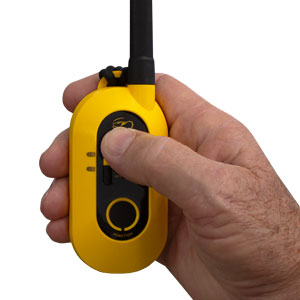
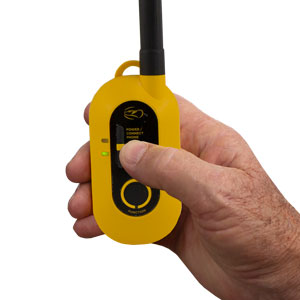
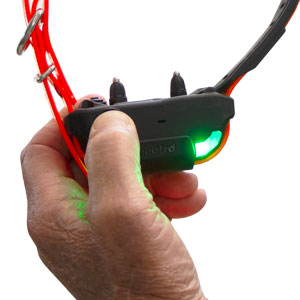
5. Once paired, the receiver will emit three beeps to show it has coded.
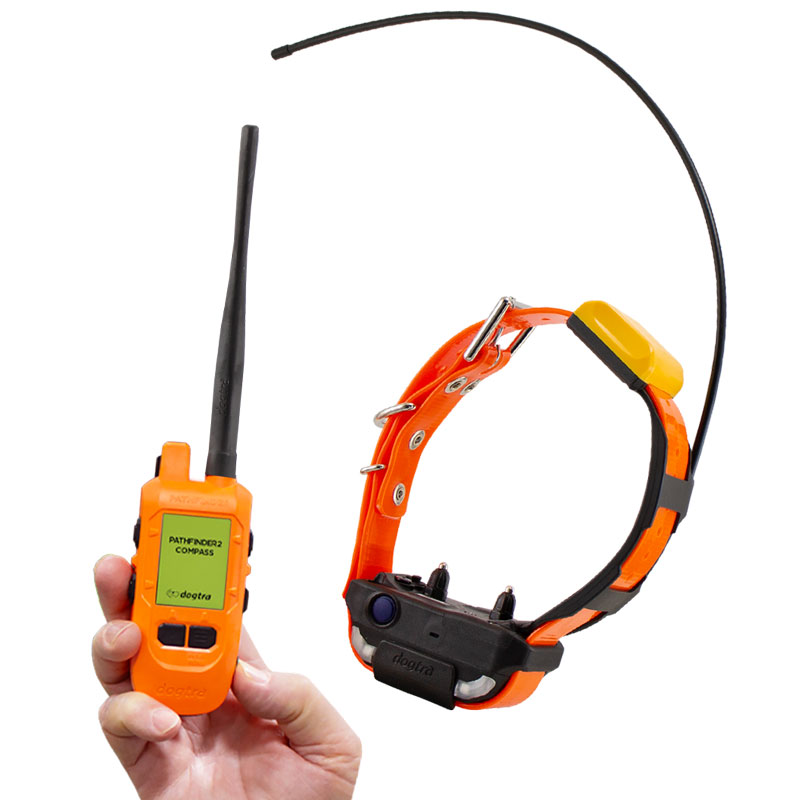
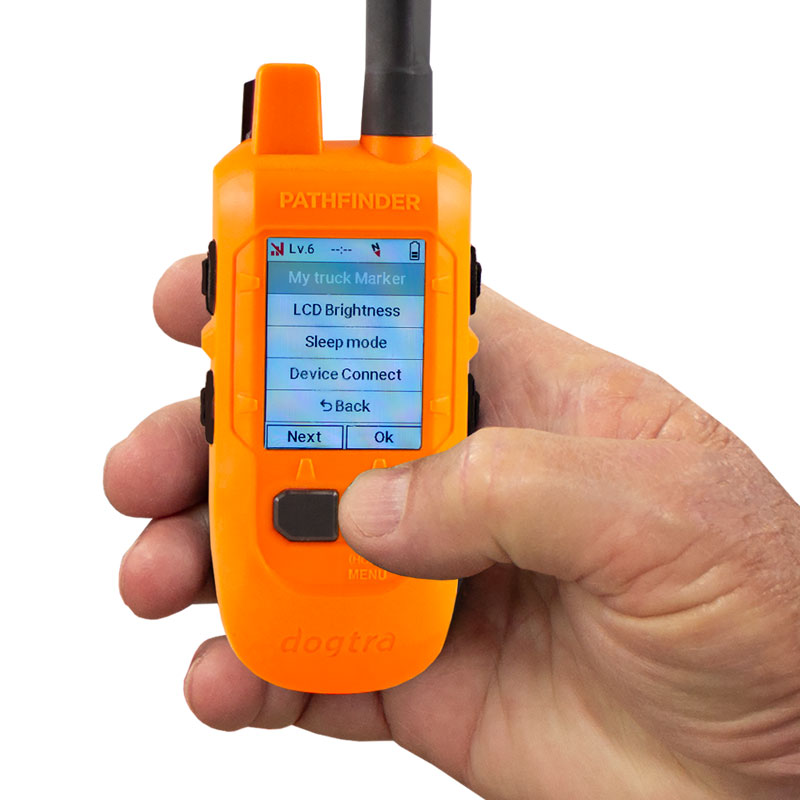
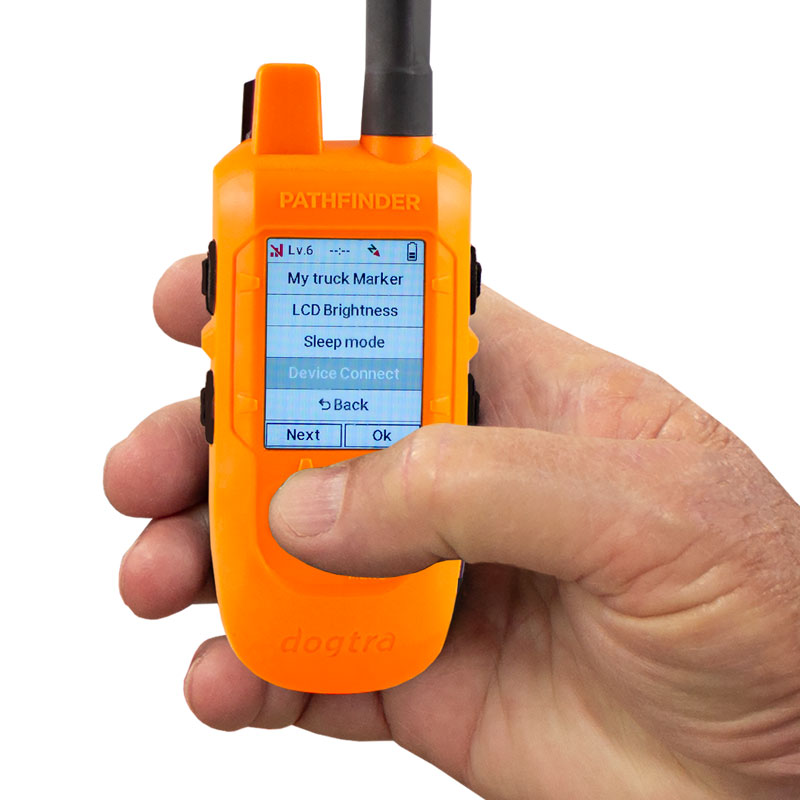
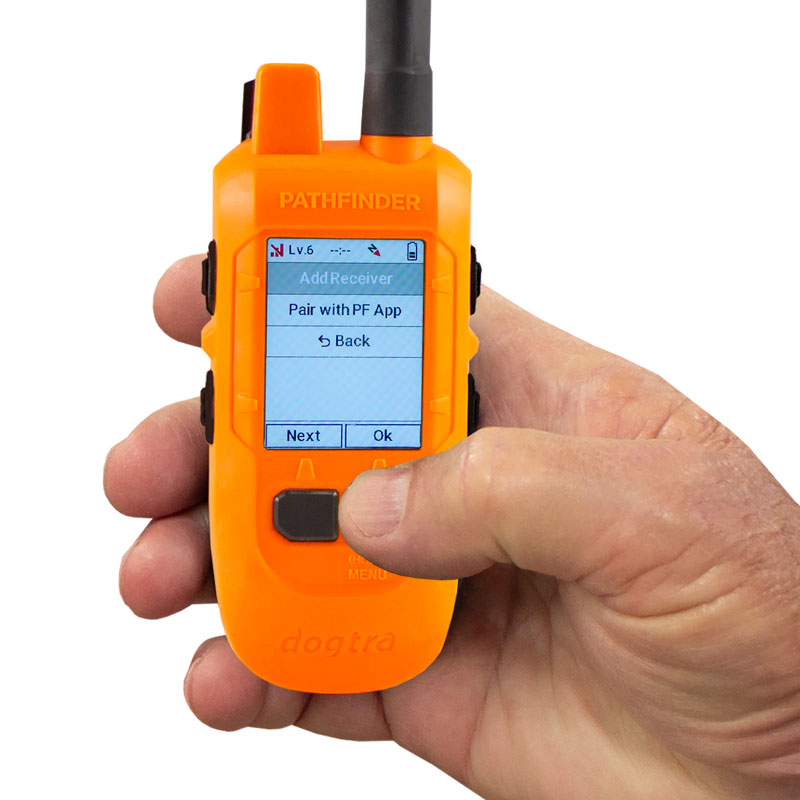
(If pairing does not start, bring the two devices closer together and try again. Ensure both batteries are fully charged.)
Dogtra Pathfinder 2 Additional Collar Features:
Dogtra Pathfinder 2 Additional Collar Comes With:
Not available to Canadian addresses. This product is approved for use in the US only.
How to Match Collars to Your Pathfinder2 System
Please read all steps before starting.1. Start with the collar turned off.
5. Once paired, the receiver will emit three beeps to show it has coded.
How to Match Collars to Your Pathfinder2 Compass System
Please read all steps before starting.(If pairing does not start, bring the two devices closer together and try again. Ensure both batteries are fully charged.)


