


Dogtra Pathfinder 2 MINI TRX Additional Collar Features:
Dogtra Pathfinder 2 MINI TRX Additional Collar Comes With:
Not available to Canadian addresses. This product is approved for use in the US only.
How to Match Collars to Your Pathfinder2 System
Please read all steps before starting.
1. Start with the collar turned off.
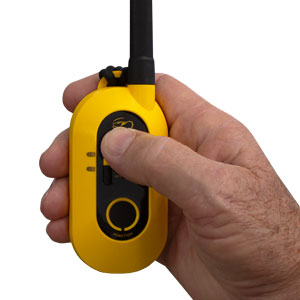
2. On the GPS connector, press the top button to turn the connector on.
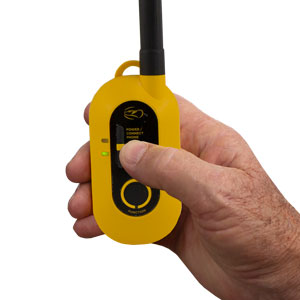
3. Hold down the Connect GPS Receiver button until the LED blinks rapidly, then release the button.
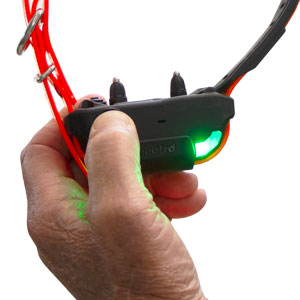
4. Hold down the on/off button on the receiver until the LED light begins to blink green rapidly and plays a melody to indicate the GPS receiver is in pairing mode.
5. Once paired, the receiver will emit three beeps to show it has coded.
How to Match Collars to Your Pathfinder2 Compass System
Please read all steps before starting.
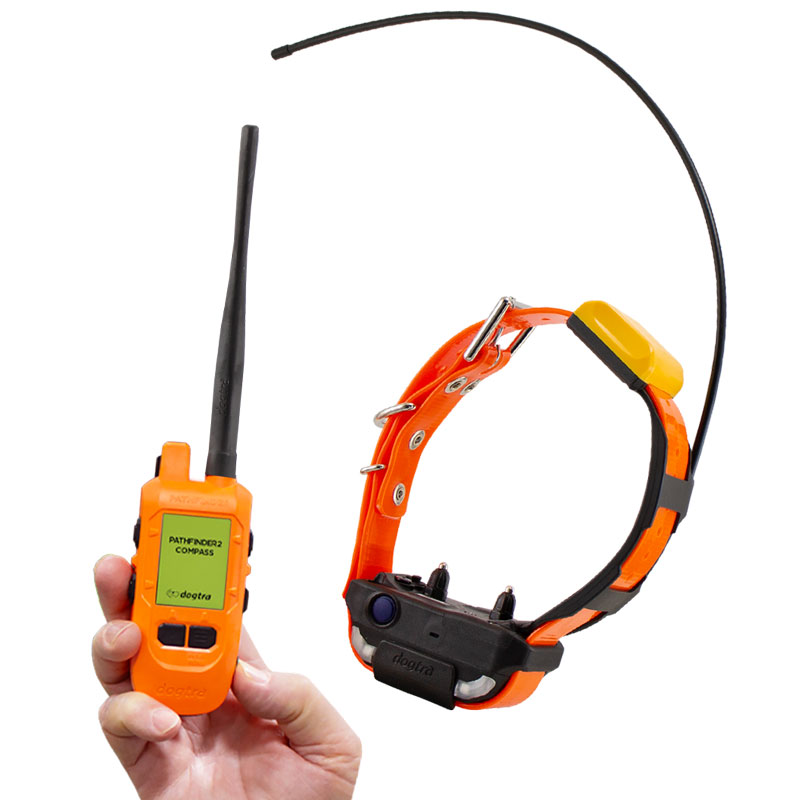
1. Turn on the Pathfinder2 GPS receiver and the Compass connector, and keep both devices close together.
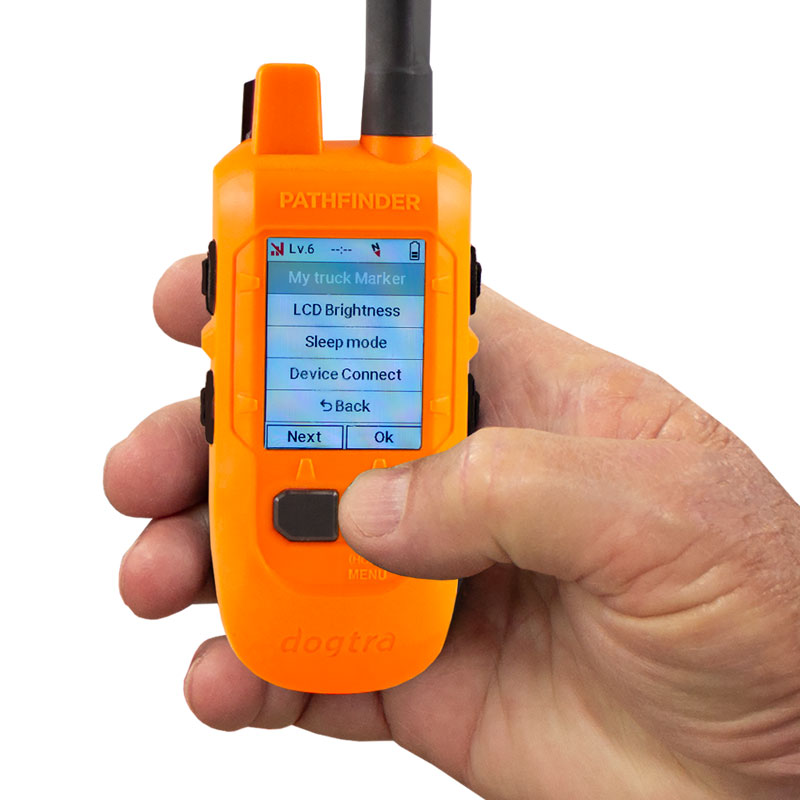
2. On the GPS connector, press and hold the Menu button
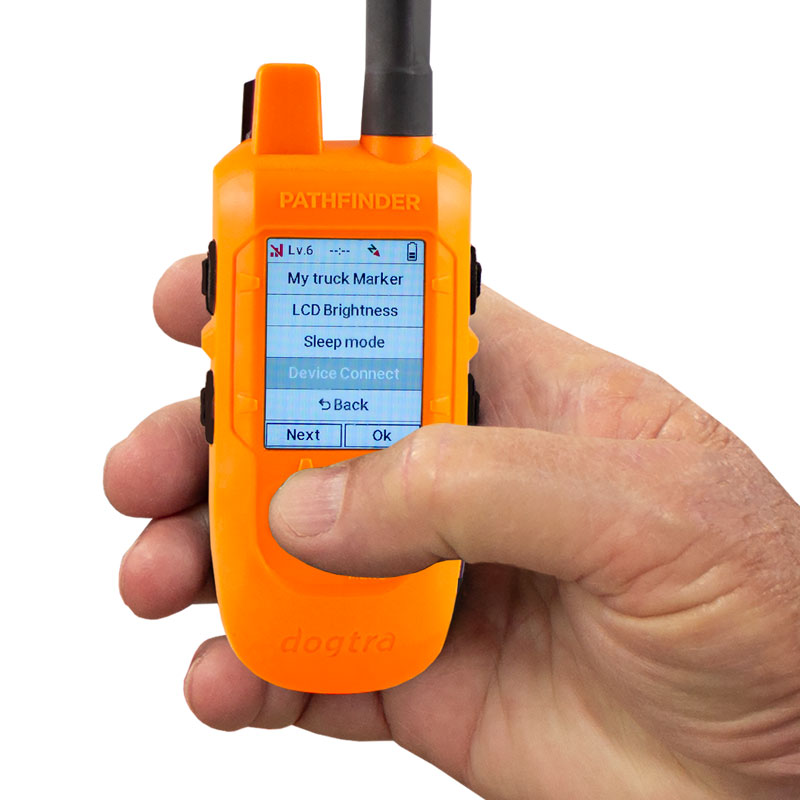
3. Use the Next button to navigate, then select Device Connect.
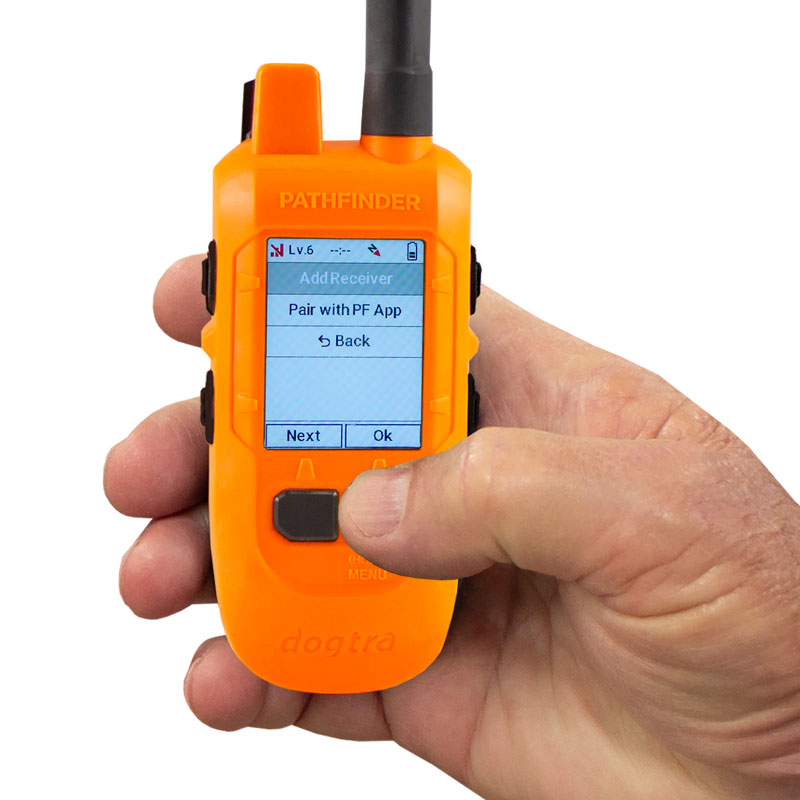
4. Select Add Receiver using the Menu/Select button to start pairing mode.
5. Press and hold the Power button on the Pathfinder2 GPS receiver until the LED begins blinking rapidly in green.
(If pairing does not start, bring the two devices closer together and try again. Ensure both batteries are fully charged.)
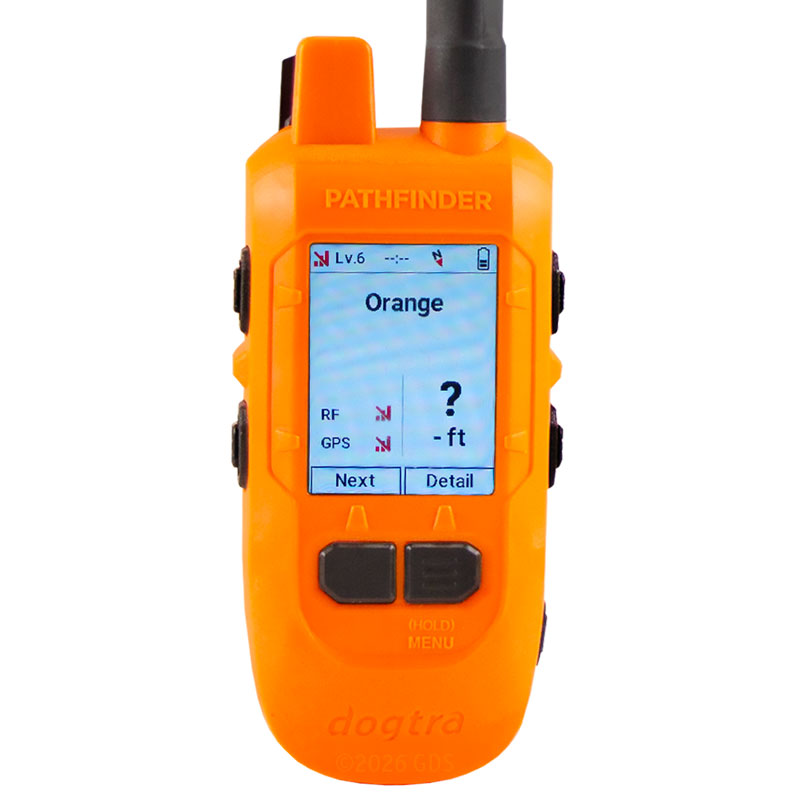
6. Once paired, the receiver will automatically appear in the device list on both the handheld and the PF2 App.